This post shares the information about how to load image from static resources into your visual force page , in order to load any type of resource into VF page you must have added that file into static resource.
Here I am assuming that you have added your image into static resources .
In my case I have added image into static resources named as bank.
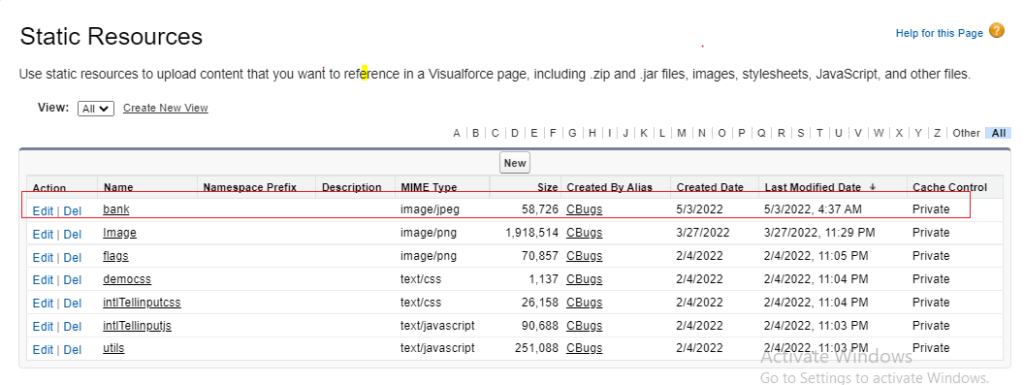
Here are the two simple ways to load this bank image file to your visual force page .
{!$Resource.resourceName} is used access path of static resource . Once you have the resource path then just use that path specific tag.
Way 1 :
Using HTML img tag
<img src="{!$Resource.bank}" alt="Bank image"/>
Way 2 :
Using apex:image tag
<apex:image value="{!$Resource.bank}"/>
This is how you can load your image from static resources into the VF page.
If you have any question or concern then feel free to reach us .
Thank u….