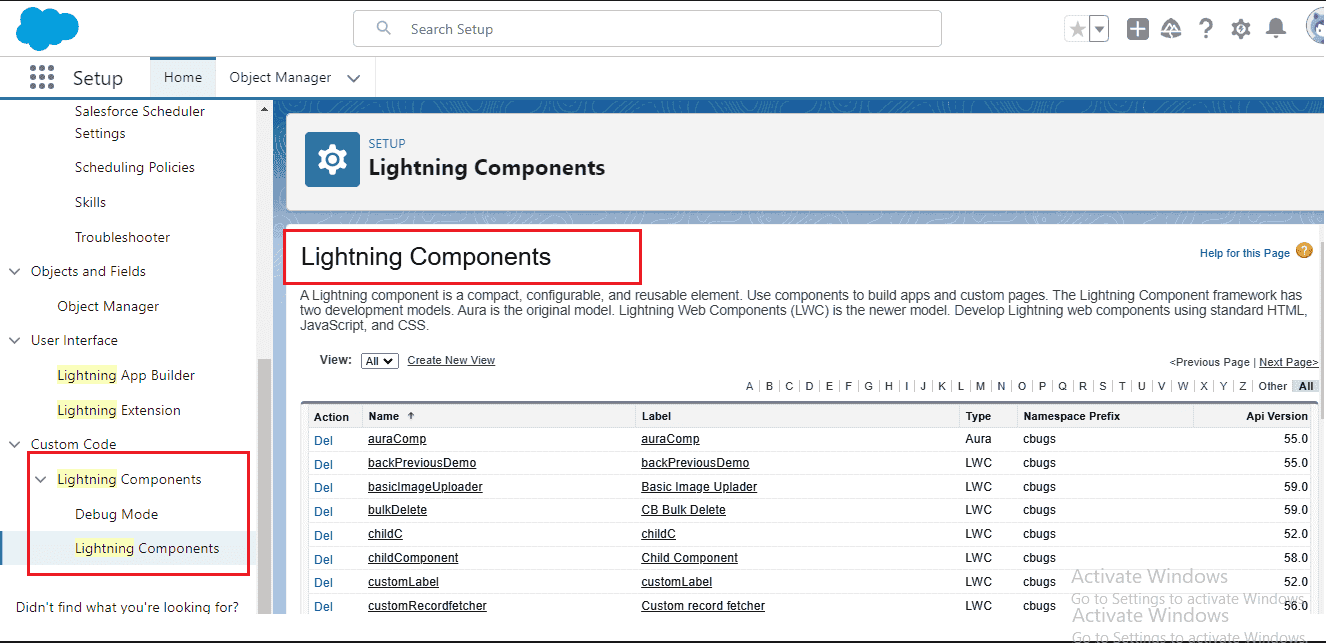
Retrieve LWC using package.xml

How to retrieve LWC with package.xml / manifest file

Summery:

  1. Retrieve Single LWC
  2. Retrieve Multiple Lightning Web Components
  3. Retrieve All LWC
  4. Fetch LWC with SFDX
Retrieve LWC with menifest file

Retrieve Single LWC

<?xml version="1.0" encoding="UTF-8"?>
<Package xmlns="http://soap.sforce.com/2006/04/metadata">
    <types>
        <name>LightningComponentBundle</name>
        <members>lookupComponent</members>
    </types>
    <version>62.0</version>
</Package>

Fetch multiple LWC

<?xml version="1.0" encoding="UTF-8"?>
<Package xmlns="http://soap.sforce.com/2006/04/metadata">
    <types>
        <name>LightningComponentBundle</name>
        <members>lookupComponent</members>
        <members>dynamicProgressIndicator</members>
    </types>
    <version>62.0</version>
</Package>

Retrieve All * LWC

<?xml version="1.0" encoding="UTF-8"?>
<Package xmlns="http://soap.sforce.com/2006/04/metadata">
    <types>
        <name>LightningComponentBundle</name>
        <members>*</members>
    </types>
    <version>62.0</version>
</Package>

Retrieve LWC with SFDX

sfdx force:source:retrieve -m LightningComponentBundle:lookupComponent

What is LightningComponentBundle in Salesforce?

Each Lightning web component is stored as a LightningComponentBundle: a folder holding its HTML, JavaScript, CSS and meta XML files. Retrieving it is the usual way to pull a component from an org into your local project.

Steps to retrieve it in VS Code

  1. Open your Salesforce DX project in VS Code and authorize your org with SFDX: Authorize an Org.
  2. Open manifest/package.xml, or create the file, and paste the XML shown above.
  3. Right-click package.xml and choose SFDX: Retrieve Source in Manifest from Org.
  4. When the command finishes, open the folder force-app/main/default/lwc to see the retrieved files.

Use the component folder name, which is written in camelCase, for example lookupComponent. Use * to retrieve all components.

Retrieve it with the Salesforce CLI

If you prefer the terminal, run one of these commands from your project folder:

sf project retrieve start --manifest manifest/package.xml
sf project retrieve start --metadata LightningComponentBundle:lookupComponent

Where the files are saved

After a successful retrieve, the files are placed inside your project, for example in force-app/main/default/lwc/lookupComponent/lookupComponent.js.

Common problems and fixes

  • Entity of type LightningComponentBundle cannot be found: check the spelling and the API name of the member, and make sure you are authorized to the correct org.
  • Nothing was retrieved: run sf org list to confirm the default org, and check that the component actually exists there.
  • API version: the examples use version 62.0. You can use a higher version if your org supports it.

FAQ

Is the member name the same as the component name in the UI?
Use the folder name of the component, such as lookupComponent, not a label.

Can I retrieve LWC and Aura together?
Yes. Aura components use the AuraDefinitionBundle type, which you can add as a second types block in the same package.xml.

Leave a Reply