Map with one key and multiple values in Salesforce APEX
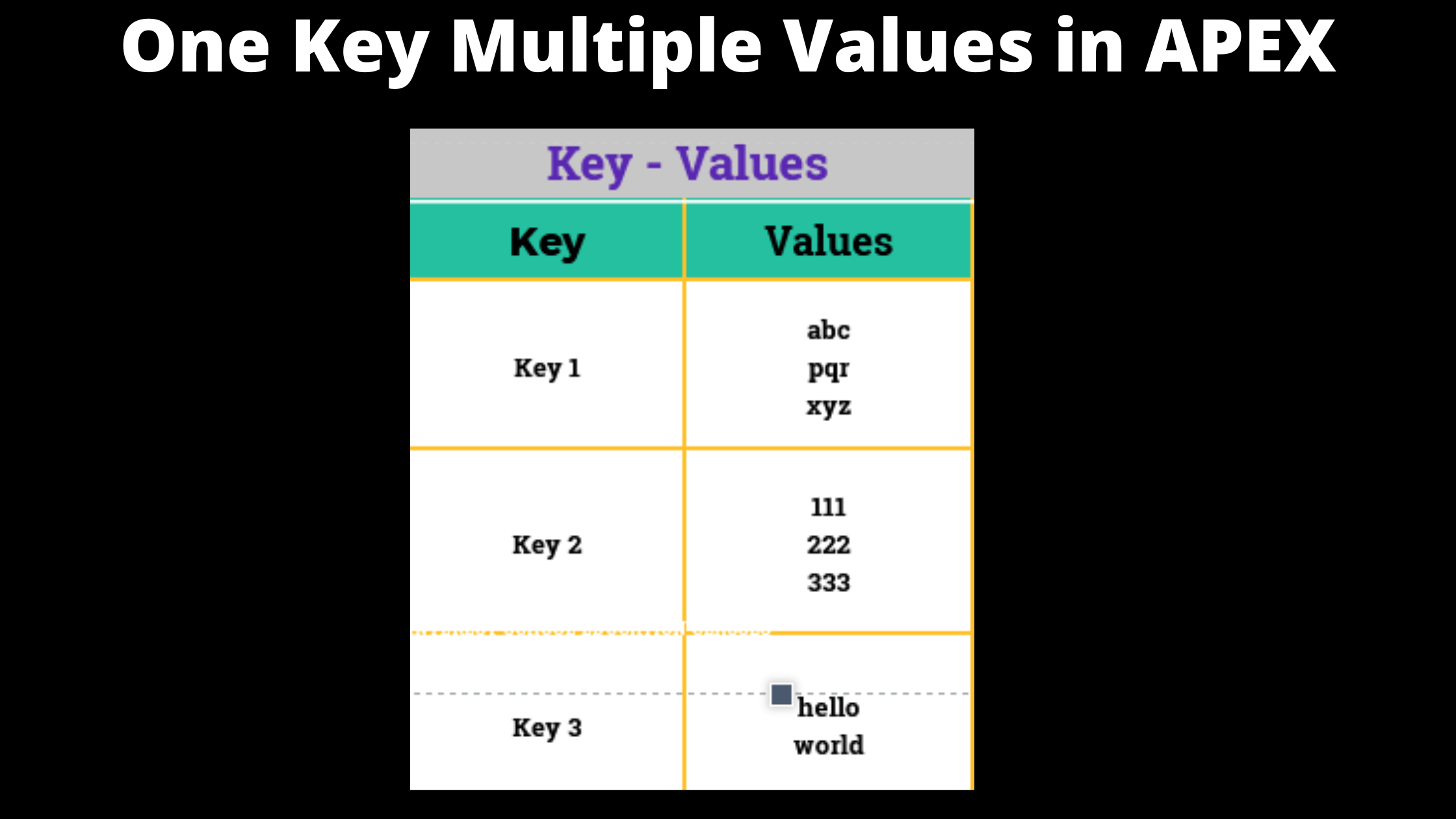
map with one key and multiple values in apex

Suppose that you have an scenario where you want map of records with one key and multiple values for single key. let’s see how we can achieve that in APEX.

To achieve this we have to create the map of <String , List> , where String is key and List will have list of values. See the syntax given below

				
					Map<String,List<String>> Countries = new  Map<String,List<String>>();  


Here we have create the countries map . Now let’s create a List for states.

				
					List<String> india = new List<String>();
india.add('Goa');
india.add('Punjab');


Now let’s add this List of states to the Countries map .

				
					Countries.put('India',india);


Now with the help of key we can access all the values at a time.

				
					System.debug(Countries.get('India'));


Le’s recap what we have did , here is the complete code for you .

				
					Map<String,List<String>> Countries = new  Map<String,List<String>>();  
    
List<String> india = new List<String>();
india.add('Goa');
india.add('Punjab');

Countries.put('India',india);
System.debug(Countries.get('India'));


This is how we can add multiple values for one key in map using apex . If you have another way to solve this problem then please share .

Thank you.

The same code with its full types

Map<String, List<String>> countries = new Map<String, List<String>>();
List<String> india = new List<String>();
india.add('Goa');
india.add('Punjab');
countries.put('India', india);
System.debug(countries.get('India'));

A safer pattern: check the key first

When you add values in a loop, the key may not exist yet. get() then returns null, and calling add() on it throws a null pointer error. Create the list the first time you see the key.

Map<String, List<String>> countries = new Map<String, List<String>>();
String country = 'India';
if (!countries.containsKey(country)) {
    countries.put(country, new List<String>());
}
countries.get(country).add('Goa');
countries.get(country).add('Punjab');

A real use: group records by a field

Map<String, List<Account>> accountsByIndustry = new Map<String, List<Account>>();
for (Account acc : [SELECT Id, Name, Industry FROM Account WHERE Industry != null]) {
    if (!accountsByIndustry.containsKey(acc.Industry)) {
        accountsByIndustry.put(acc.Industry, new List<Account>());
    }
    accountsByIndustry.get(acc.Industry).add(acc);
}

In triggers, the same idea with Map<Id, List<Contact>> lets you group Contacts by their Account.

Read all keys and values

for (String key : countries.keySet()) {
    System.debug(key + ' -> ' + countries.get(key));
}

FAQ

What if I do not want duplicate values?
Use a Set as the value type: Map<String, Set<String>>.

Are String keys case sensitive?
Yes. India and india are two different keys, so convert the key with toLowerCase() when you need a match regardless of case.

Can the value be a custom class?
Yes. A Map can hold any type, including your own wrapper class.

Leave a Reply