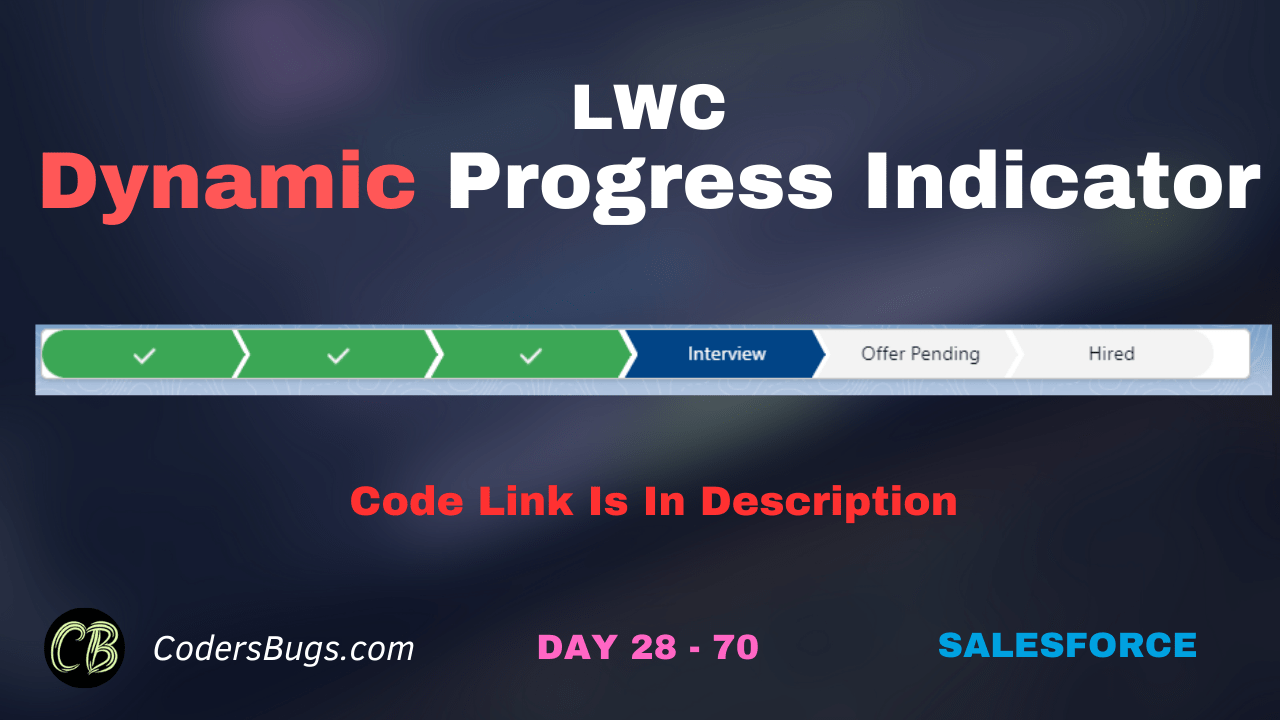
Creating Dynamic Progress Indicator Using lWC.
HTML File
					<template>
    <div class="slds-card">
        <lightning-progress-indicator class={dynamicClassName} current-step={currentStatus} type="path" variant="base">
            <template for:each={statusValues} for:item="step">
                <lightning-progress-step label={step.value} title={step.value} value={step.value} key={step.value}></lightning-progress-step>
            </template>
        </lightning-progress-indicator>
    </div>
</template>
JS File
					import { LightningElement, wire, track, api } from 'lwc';
import JobApplicationStatusValues from '@salesforce/apex/CommonMethods.getPicklistValues';
import { getRecord, getFieldValue, } from "lightning/uiRecordApi";
import STATUS_FIELD from "@salesforce/schema/Candidate__c.Job_Application_Status__c";

export default class DynamicProgressIndicator extends LightningElement {


    @track statusValues = [];
    @track currentStatus;
    @api recordId;

    @wire(JobApplicationStatusValues) addFieldsToPath({ error, data }) {
        let tempStatus = [];
        if (data) {
            let i = 0;
            for (let key in data) {
                tempStatus.push({
                    value: data[key],
                    key: key,
                    className: 'slds-path__item slds-is-incomplete',
                });
                i++;
            }
            this.statusValues = JSON.parse(JSON.stringify(tempStatus));
        } else {
            console.log('error in getting values',error)
        }
    }

    @wire(getRecord, { recordId: "$recordId", fields:[STATUS_FIELD] } )
    caseRecord({ error, data }) {
        if (data) {
            this.currentStatus = getFieldValue(data, STATUS_FIELD);
        } else {
            console.log('error in getting values',error)
        }
    }

    connectedCallback() {
        this.recordId = this.recordId;
    }

}
XML File
					<?xml version="1.0" encoding="UTF-8"?>
<LightningComponentBundle xmlns="http://soap.sforce.com/2006/04/metadata">
    <apiVersion>61.0</apiVersion>
    <isExposed>true</isExposed>
    <targets>
        <target>lightning__RecordPage</target>
    </targets>
    <targetConfigs>
        <targetConfig targets="lightning__RecordPage">
            <objects>
                <object>cbugs__Candidate__c</object>
                <object>Account</object>
                <object>Contact</object>
            </objects>
        </targetConfig>
    </targetConfigs>
</LightningComponentBundle>
In this video we have demonstrated and explain the code.
How the component works
- The first
@wirecalls an Apex method that returns the picklist values of the Job Application Status field. The values are turned into a list of path steps. - The second
@wireusesgetRecordto read the current status of the record. - The HTML shows the steps with the SLDS path classes, so the user sees where the candidate is in the process.
Points to note
- The counter
iis never used. You can remove it. connectedCallbacksetsrecordIdto itself. This does nothing, because the page already gives the component its recordId.- The
elsebranch in the first wire logs an error even when there is no error, for example before the data arrives. Useelse if (error). JSON.parse(JSON.stringify())makes a plain copy of the array. Assigning the array directly also works here.
Marking the current step
If your template does not already show progress, you can compute the class of every step from the current status. SLDS uses slds-is-complete, slds-is-current slds-is-active and slds-is-incomplete.
get pathItems() {
    const currentIndex = this.statusValues.findIndex((s) => s.value === this.currentStatus);
    return this.statusValues.map((s, index) => ({
        ...s,
        className:
            index < currentIndex
                ? 'slds-path__item slds-is-complete'
                : index === currentIndex
                ? 'slds-path__item slds-is-current slds-is-active'
                : 'slds-path__item slds-is-incomplete'
    }));
}
Loop over pathItems in the HTML instead of statusValues.
FAQ
Is there a base component for this?
Yes. lightning-progress-indicator with the path type is available. A custom path gives you more control over the look.
Why use a getter?
A getter recalculates the classes whenever the status or the values change.